
Basics: Public
What’s available for the Public service plan user:
- Node API at the corresponding rate limits.
- Connection code snippets.
- Public usage data.
Use public endpoints
To enable your project to interact with a blockchain, add the blockchain’s endpoint into the project’s library or config file:
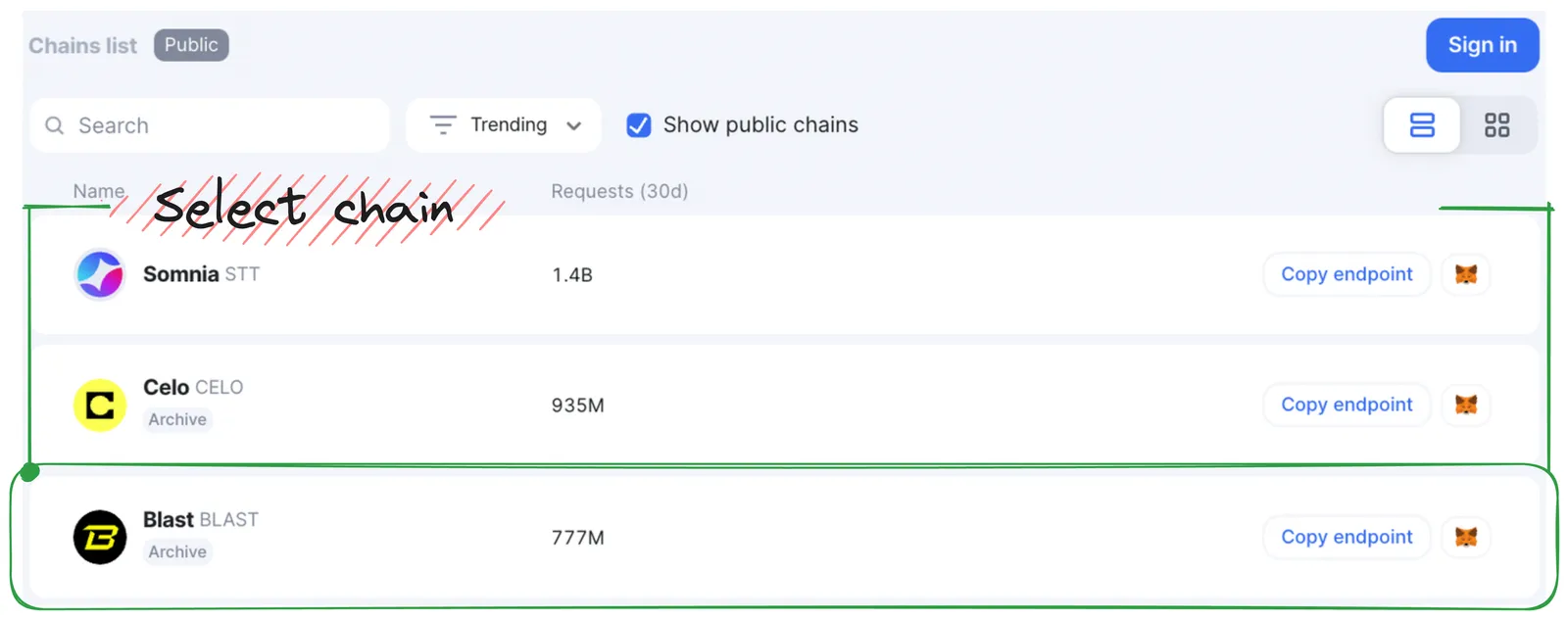
- In Navigation, click Chains List to open the pane.
- In Chains List, locate and click a chain you’d like to query.
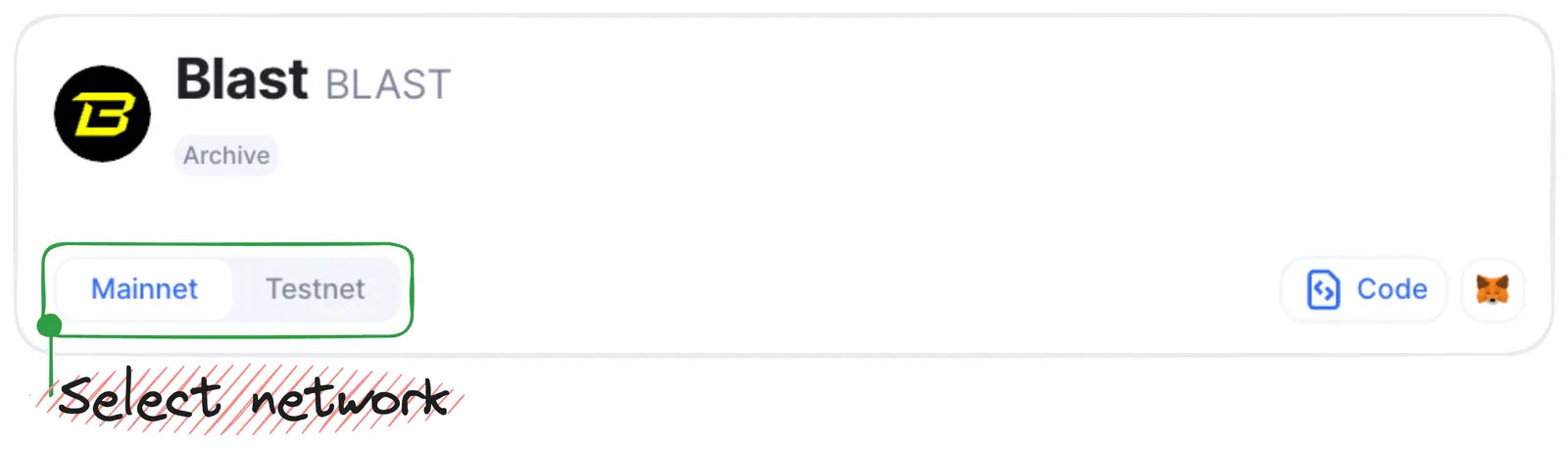
- In the Chain opened, select a network (Mainnet/Testnet) required for your project.
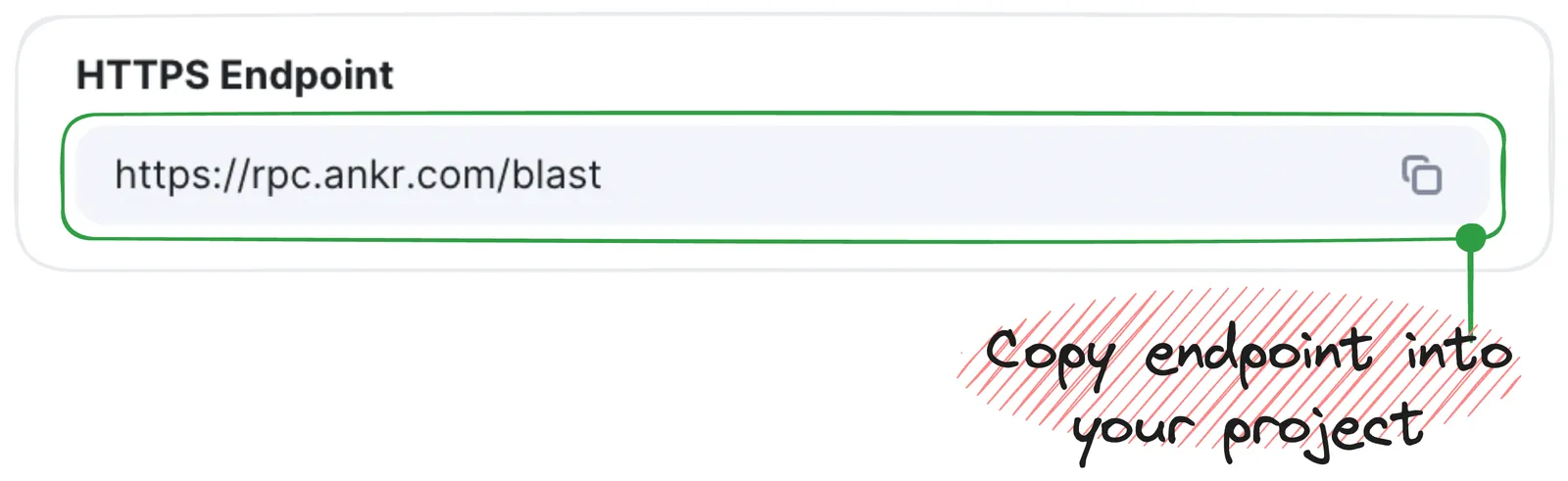
- In the HTTPS Endpoint field, copy the URL and paste it into your project’s library or config file.
Congrats — you’ve just added a public endpoint into your project to enable blockchain interaction.